

How to Write SEO Friendly Blog Posts That Rank on Google and in AI Answers
Key takeaways
- An SEO friendly blog post is an article that matches what searchers want and is built with a clear structure and clean on-page elements.
- Many blogs never reach page one because they skip the basics.
- Keyword research is not just picking a phrase with high search volume.
- Search intent is the reason behind a search.
Ranking on Google is not about luck or tricks. It comes down to writing content that answers real questions clearly and structuring it so both readers and search engines understand it. Most blog posts fail to rank because they chase word count instead of solving a problem for the reader. If you want your content to show up on Google and get picked up by AI tools like ChatGPT and Google AI Overviews you need a clear process. This guide shows how to write SEO friendly blog posts that rank and get read. You get ten steps and real examples and a list of SEO myths you can skip.
What Is an SEO Friendly Blog Post?
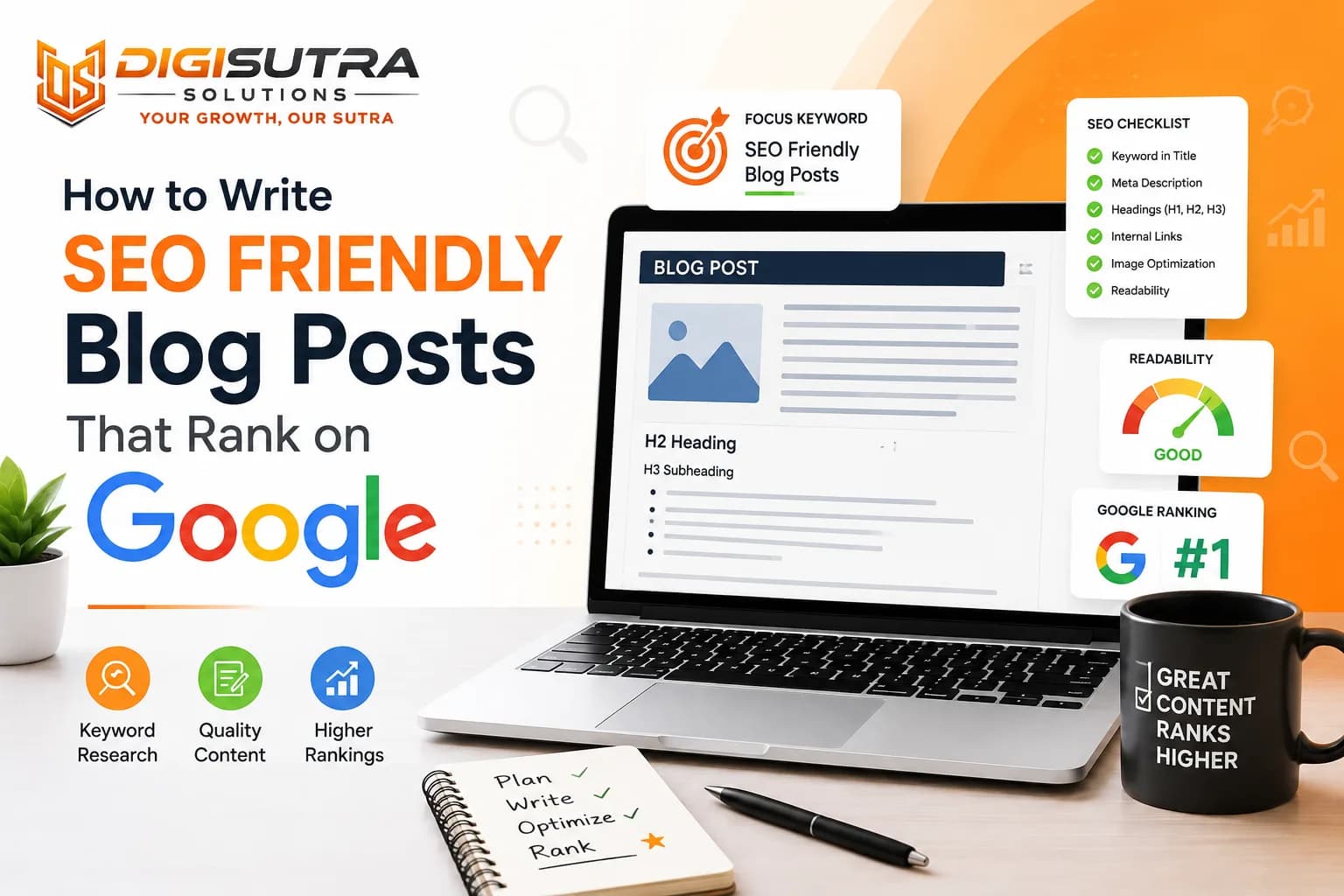
An SEO friendly blog post is an article that matches what searchers want and is built with a clear structure and clean on-page elements. It answers one main question well and uses a sharp title, clear headings and useful links. That helps Google rank it and helps AI tools quote it.
The steps below show how to write SEO friendly blog posts from the first keyword to the final edit.
Four Marks of an SEO Friendly Post
It matches search intent
It gives readers something original
It has clear headings and short paragraphs
It has a clean title, meta description, URL and image text
The 10 Steps at a Glance
Pick one primary keyword
Check search intent on the live results
Outline with clear headings
Write simply and answer first
Add your own experience and data
Set up the title, meta, URL and images
Add internal links
Edit and get a second reader
Publish and promote
Track and refresh
Why Most Blog Posts Fail to Rank
Many blogs never reach page one because they skip the basics. Writers often chase keywords without checking what the reader actually wants. Search engines reward content that solves a problem fast and clearly.
Common Reasons Blog Posts Don't Rank
No clear search intent match
Wrong format for the results page (a blog post where Google shows product pages)
Content that only repeats what the top results already say
Weak or missing headings structure
Thin content with no real value
Slow page speed and poor mobile experience
No internal linking or topic depth
Ignoring on-page SEO friendly blog post basics
Fixing these issues is the first step before you even start writing. A good SEO strategy starts with identifying why your current content is not performing.
Start With Real Keyword Research
Keyword research is not just picking a phrase with high search volume. You need to understand what the searcher wants to see when they type that query.
Steps for Better Keyword Research
Search your target keyword and study the top 5 results
Note the format Google prefers (list or guide or comparison)
Check People Also Ask questions and autocomplete suggestions for subtopics
Find low competition long tail variations
Group similar keywords into one page instead of splitting content
Pick one primary keyword and two or three secondary ones
Check that you do not already have a post for the same keyword
Our guide on how to rank on the first page of Google in 2026 shows how keyword choice fits into the bigger plan.
Primary and Secondary Keywords
The primary keyword is the main phrase you want the post to rank for. Pick only one per post so Google knows the topic. Secondary keywords are synonyms and related questions and longer variations. They help the post show up for more searches.
For this guide the primary keyword is how to write SEO friendly blog. Secondary ones are SEO blog writing tips and blog post structure.
Avoid Competing With Your Own Posts
Two posts aimed at the same keyword split your chances. This is called keyword cannibalization. If an older post already targets the phrase and is still decent then update it. If it is weak and outdated then merge it into the new post and redirect the old URL to the new one.
Match Search Intent Before You Write
Search intent is the reason behind a search. Google tries to show pages that fit that reason so your post must match it. A great article with the wrong intent will not rank.
Four Types of Search Intent
Intent | Example search | Best content |
Informational | what is blog SEO | Guide or definition post |
Commercial | best SEO tools for bloggers | Comparison or list post |
Transactional | hire an SEO content writer | Service page |
Navigational | Yoast SEO login | Brand page and not a blog |
How to Check Intent in Two Minutes
Search your keyword on Google
Look at the top 5 results and note the format (guide or list or video or product page)
Note which subtopics repeat across them
Read the People Also Ask box
Open the AI Overview if one shows and note the questions and sources it uses
If page one is full of product pages then a blog post will struggle however well you write it. Pick a keyword where blog posts already rank.
Once you know the intent you can build a content plan that actually satisfies the query rather than guessing.
Structure Your Blog Post for Readers and Search Engines
Structure decides whether someone stays on your page or leaves within seconds. Search engines also use structure to understand what your page covers.
Structure Elements That Matter
One clear H1 title with the main keyword
H2 sections that break the topic into logical parts
H3 sub-points or lists under each H2
A direct answer in the first two lines under each H2
Short paragraphs of 2 to 3 lines
Bullet points for lists and steps
A short key takeaways box near the top of long posts
A table of contents that jumps to each section
A clear introduction and conclusion
Use the main keyword or a close variation in at least one heading but only where it fits. Google says there is no ideal number of headings. Use as many as your reader needs.
This kind of layout also helps your content get picked up in Google Overviews and AI answer boxes since machines can scan structured content faster than long unbroken paragraphs.
Write in Simple and Direct Language
Complicated language slows readers down and increases bounce rate. Simple language keeps people reading and helps search engines match your content to more queries.
Tips for Simple Writing
Use short sentences with one idea each
Prefer active voice (write "Google ranks the page" and not "The page is ranked by Google")
Avoid jargon unless your audience expects it
Replace long words with common ones
Vary how your sentences start
Read your content out loud to catch awkward phrasing
Cut every sentence that does not add value
Here is a quick before and after.
Before: It is highly recommended that content creators endeavour to utilise concise phrasing to facilitate comprehension.
After: Use short words. Readers get your point faster.
Writing simply is not writing poorly. It is writing so anyone can understand your point on the first read.
Add Original Value and First-Hand Experience
Google asks for content that is unique and not a rehash of what others already published. Original value is the easiest way to stand out from ten similar posts.
Ways to Make a Post Original
Share what you tested, what worked and what failed
Add your own numbers or screenshots from real projects
Quote an expert or a client with permission
Name the source and the year for every outside stat
Show a real author name with a short bio
Update facts when they change
Compare two lines. A weak one says "Use short URLs." A stronger one says "We shortened the URLs on 12 posts and tracked clicks for eight weeks. Here is what changed." Use a line like the second one only when it is true for you.
Google does not treat E-E-A-T as a direct ranking factor. Still a post that shows real experience gives readers more reason to trust it and share it.
Optimize On-Page SEO Elements
On-page SEO tells Google exactly what your page is about. Missing these basics can hold back even the best written content.
Title Tag
Keep the title between 50 and 60 characters so it does not get cut in search results. Put the primary keyword near the start and make the benefit clear.
Weak: Blog SEO Tips
Better: How to Write SEO Friendly Blog Posts (Step by Step)
Meta Description
A meta description does not change rankings directly but it changes clicks. Keep it between 140 and 160 characters. Use a verb like learn or discover and include the keyword once. Google may still show different text so make the first lines of your post strong too.
URL Slug
Keep the slug short and descriptive. Leave out dates and filler words.
Good: /how-to-write-seo-friendly-blog-posts
Weak: /2026/10/13/how-to-write-seo-friendly-blog-posts-that-rank-on-google-fast
Dates make an old post look old even after you update it.
Where to Place the Primary Keyword
Title and H1
First paragraph
One H2 or H3
URL slug
Meta description
Alt text of one relevant image
Conclusion
A few more times in the body where it reads naturally
Do not repeat it in every sentence. Google lists keyword stuffing as a spam policy violation and it also ignores the old meta keywords tag. Here is what stuffing looks like next to a clean version.
Stuffed: Our SEO friendly blog tips explain SEO friendly blog writing so your SEO friendly blog ranks.
Clean: These tips show how to write a post that search engines can read and people enjoy.
Images
Write alt text that describes the image like you would to a friend who cannot see it
Use a clear file name such as seo-friendly-blog-checklist.jpg and not IMG_1000.jpg
Compress images so the page loads fast
Not sure what your page is missing? Run it through a free SEO audit tool to spot missing tags and broken links.
Make Your Content AI and Answer Engine Friendly
Google Overviews and ChatGPT and other AI tools now pull answers directly from web content. If your blog post is not structured for extraction it gets skipped.
How to Optimize for AEO and GEO
Answer the main question in the first 2 to 3 sentences
Use clear headings that match common search queries
Add short definition style answers under each H2
Include stats and data points where possible
Use FAQ sections with direct answers
Avoid burying the answer under long intros
This approach is often called Answer Engine Optimization or Generative Engine Optimization and it is quickly becoming as important as traditional SEO.
What the Data Says About AI Summaries
Pew Research Center looked at about 69,000 Google searches made by 900 US adults in March 2025. Here is what it found.
An AI summary appeared in 18% of all searches
60% of searches that began with who, what, when or why produced a summary
53% of searches with ten words or more produced only 8% of 1-2 searches did
88% of summaries cited three or more sources
People clicked a normal result in 8% of visits with a summary and in 15% of visits without one
People clicked a link inside the summary in only 1% of visits
Long question style searches trigger summaries most. A post with question headings and short direct answers fits those searches well. Being named in a summary helps your brand but do not expect many clicks from the summary itself. These numbers come from the US in early 2025 so treat them as a direction and not a promise.
Write Passages That Stand Alone
Make each answer clear even when it is lifted out of the page
Name the subject instead of writing "it" or "this"
Keep one idea in each paragraph
Use a table when you compare options
Keep the HTML clean and add Article schema so machines can read the page
Use Internal Linking the Right Way
Internal links help search engines understand your site structure and help readers find more useful content without leaving your site.
Internal Linking Best Practices
Link to relevant service or resource pages naturally
Avoid stacking multiple links in one paragraph
Use descriptive anchor text instead of "click here"
Spread links across different sections not just one
Link from older posts to your new post and from the new post to older ones
Make sure every post has at least one link pointing to it
Never force a link where it does not fit contextually
Group related posts around one main guide. A guide on content marketing could sit in the middle with supporting posts on keyword research, meta descriptions and blog structure. Each supporting post links back to the guide and the guide links out to each of them. This is called a topic cluster.
Good internal linking also keeps visitors exploring more of your site.
Add Visuals and Break Up Text
Long blocks of text without any visual break feel exhausting to read. Visuals also help explain concepts faster than words alone.
Visual Elements to Include
Relevant images with proper alt text
Simple charts or comparison tables
Screenshots for tutorials or how-to content
Bullet lists instead of dense paragraphs
Bold text to highlight key points
A transcript under any video you embed
Even small formatting choices like bold text or spacing can noticeably improve how long readers stay on your page.
Edit and Proofread Before Publishing
A great first draft is not a finished article. Editing removes fluff, tightens sentences and fixes errors that hurt credibility.
Editing Checklist
Remove repeated words and phrases
Check for logical flow between sections
Verify all facts and statistics
Fix grammar and spelling errors
Step away for 30 minutes before the final read
Read the whole post from a reader's point of view
Ask a second person to check that the post matches the search intent and that every claim has a source
Confirm the primary keyword appears naturally throughout
Skipping this step is one of the most common reasons otherwise good content underperforms.
Publish and Promote Your Post
Publishing is not the finish line. Google needs to find the page and people need to hear about it.
After You Hit Publish
Check the page is indexed by searching the URL on Google or using the URL Inspection tool in Search Console
Make sure your CMS or SEO plugin adds the post to your XML sitemap
Link to the new post from two or three older posts
Share it on LinkedIn and in your newsletter
Add one clear next step such as a related guide or a service page
Give the post a few weeks before you judge it. Google says changes can show in hours or take several months. Our guide on how long SEO takes to show results gives a fair view of timelines.
Track Performance and Update Regularly
SEO is not a one time task. Rankings shift and content that performed well a year ago may need a refresh today.
What to Track After Publishing
Organic traffic and keyword rankings
Average time on page and bounce rate
Click through rate from search results
Pages with many impressions but few clicks (rewrite the title and meta description)
New keyword opportunities in Search Console
Competitor content updates
Quick Refresh Checklist
Update stats and examples
Fix broken links
Add questions that now show in People Also Ask
Improve the title and meta description if clicks are low
Add links to newer posts
Regularly updating old posts with fresh data and better structure often works better than publishing new content from scratch. If two old posts target the same keyword then merge them into the stronger one and redirect the weaker URL. When a post stalls or drops start with the common causes in our guide on why a website is not ranking on Google.
SEO Myths to Skip
Google's own SEO Starter Guide lists several things that are not worth your time.
Meta keywords tag: Google does not use it
Perfect word count: There is no minimum or maximum length for ranking
Number of headings: There is no ideal count
Keywords in the URL or domain: They hardly help beyond showing in the breadcrumb under your result
Duplicate content penalty: Having the same content on a few URLs is not a penalty but copying other sites is a problem
E-E-A-T as a ranking factor: Google says it is not one
Conclusion
Writing content that ranks is a mix of clear structure, simple language and genuine value for the reader. Focus on answering the query fast, use headings that guide the reader and keep your on-page basics tight. When you combine solid keyword research with content built for both humans and AI search tools your blog has a real chance of ranking and staying there. Treat every post as something to improve over time rather than a one time task.
FAQ
What makes a blog post SEO friendly?
A blog post is SEO friendly when it matches search intent, uses clear headings, includes the target keyword naturally and loads fast on all devices. It also gives readers something original.
How long should an SEO blog post be?
Google says there is no ideal word count. A Backlinko study found that the average page on Google's first page has about 1,500 words. Use that only as a rough guide and focus on covering the topic fully.
How many keywords should I use in one post?
Focus on one primary keyword and a few related terms. Forcing too many keywords into one post can hurt readability and rankings.
Does blog length affect Google ranking?
Length alone does not guarantee ranking. Google has said there is no minimum or maximum word count. Content depth and how well it answers the query matter more.
What is AEO and why does it matter?
AEO stands for Answer Engine Optimization. It means structuring content so AI tools and answer boxes can pull direct answers from your page.
How often should I update old blog posts?
Review top performing posts every 3 to 6 months and update outdated stats, broken links and thin sections to keep rankings steady.
Should I use short or long paragraphs for SEO?
Short paragraphs of 2 to 3 lines work best. They are easier to scan on mobile and keep readers engaged longer.
How many internal links should a blog post have?
There is no fixed number. Add a few relevant links where they help the reader and link to the new post from older ones. Make sure no post is left without a link pointing to it.
Can AI written content rank on Google?
Yes if it provides real value, shows real experience and is edited for accuracy and tone. Quality matters more than who wrote it.
What is the fastest way to improve an old blog post's ranking?
Update the content with fresh information, improve the heading structure, add missing internal links and make sure it directly answers the target query.
Do meta descriptions affect rankings?
Not directly. They affect how many people click your result. Write a clear one of 140 to 160 characters with a verb and your keyword once.
What is the best title length for SEO?
Aim for 50 to 60 characters so the title is not cut off in search results. Put the main keyword near the start.
Should I put the year or date in my blog URL?
No. Dates make an old post look outdated even after an update. Use a short slug with the main topic only.
How long does it take for a new blog post to rank?
Google says some changes show in hours and others take several months. Wait a few weeks before judging a new post and then check Search Console.
How do I get my blog post cited in Google AI Overviews?
Use question style headings and put a short direct answer under each one. Add original data and name your sources. Make sure the page is indexed and easy to read. Most summaries cite three or more sources so you do not need the top spot to be named.
What is keyword cannibalization?
It happens when two posts on your site target the same keyword and compete with each other. Update the better one or merge the two and redirect the weaker URL.
About the author

Sr. SEO Executive · 3 years' experience
Harsh Rajput is a Senior SEO Executive with 3+ years of experience in SEO, digital marketing and AEO/GEO strategy. He leads a team of SEO executives at Digisutra Solutions, handling keyword research, technical SEO, on-page/off-page optimization, link building and content strategy, while helping brands rank in Google AI Overviews and LLM platforms like ChatGPT, Claude and Gemini. He has worked with clients across India, USA, UAE, and Australia in industries like e-commerce, finance and technology.
Reader reviews

Up next · SEO & AI search · 20 min
Google Latest SEO Updates October 2026: What Changed and What to Do

Related · SEO & AI search · 36 min
How to Build Backlinks in 2026: 15 Safe Strategies That Still Work