

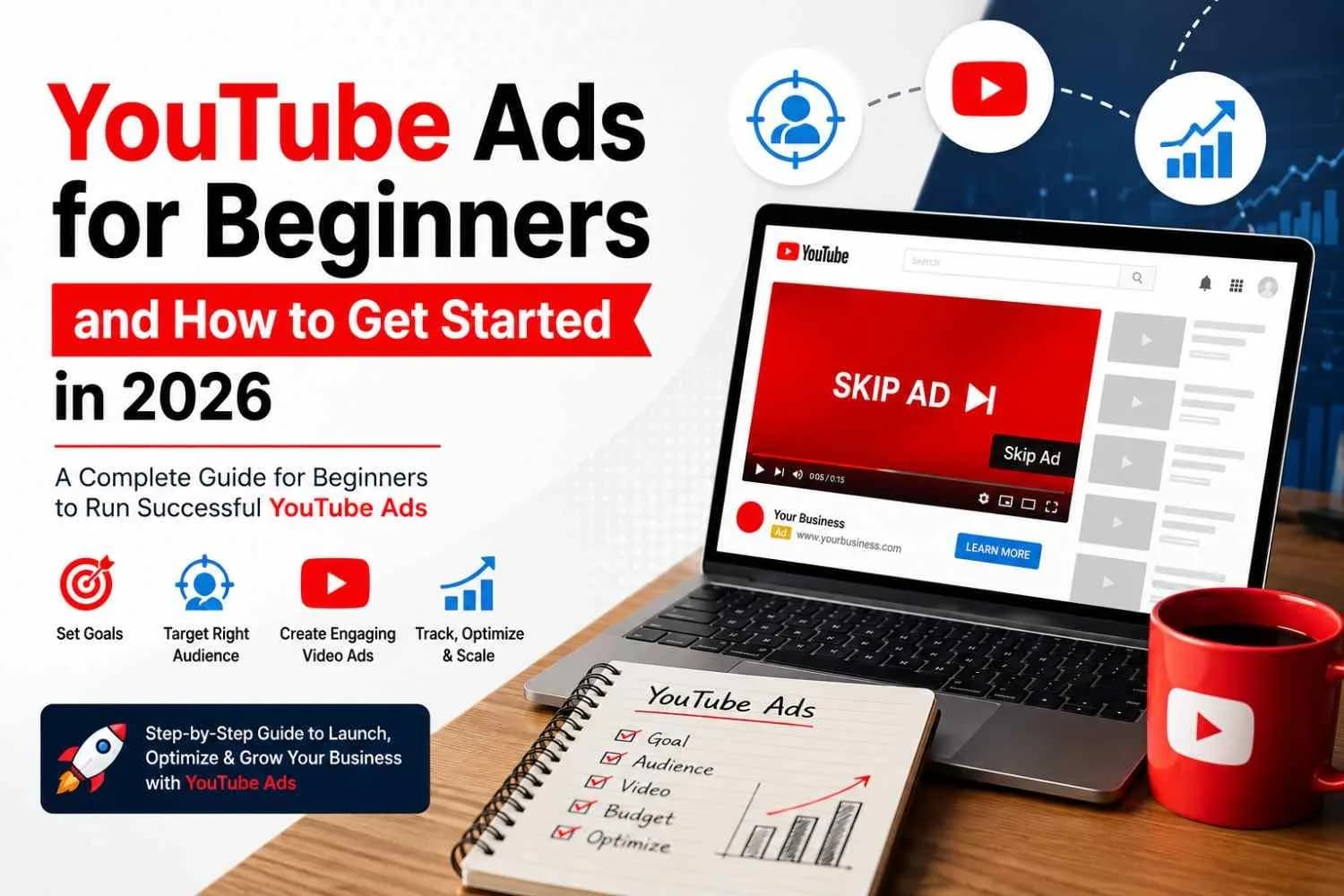
YouTube Ads for Beginners and How to Get Started in 2026

Harsh Rajput · Sr. SEO Executive · 3 years' experience · 17 August 2026 · Updated 26 August 2026 · 11 min read
Key takeaways
- YouTube Ads run through Google Ads and show up across YouTube itself plus Google's wider video network.
- Video keeps eating into how people research and decide on purchases.
- Picking the wrong format for what you're trying to do wastes money fast, so it helps to know what's on the table before you touch the campaign builder.
- Beginners skip this step constantly.
YouTube gets more daily attention than most TV channels ever did. People go there to research a purchase, watch a review, or just kill ten minutes on the couch, and somewhere in that mix your ad has a shot at reaching them. Paid advertising on YouTube can feel intimidating the first time you open Google Ads and see all the campaign types staring back at you. It's really not that complicated once you break it down. Pick a goal, know who you're talking to, put together a decent video, and set a budget you're okay testing with. That's the whole game at the start. This guide walks through it step by step for 2026.
What YouTube Ads Actually Are
YouTube Ads run through Google Ads and show up across YouTube itself plus Google's wider video network. Because it's tied into Google's system, you get the same targeting tools that power Search campaigns, which is a big reason small businesses can compete here without a massive budget.
The Rough Flow of Setting One Up
- Pick a video or shoot a new one
- Choose what you actually want out of the campaign
- Decide who should see it
- Set your budget and how you want to bid
- Hit launch
- Watch how it performs
- Fix what's not working
A lot of businesses running this alongside Search and Display end up handing it to a dedicated YouTube Ads for beginner team rather than juggling it solo, since the setup across channels gets tricky fast.
Why Bother With YouTube Ads in 2026
Video keeps eating into how people research and decide on purchases. Someone watching a five-minute review before buying headphones is a normal thing now, not the exception.
What This Actually Gets You
- A shot at a huge, genuinely active audience
- Brand recall that shows up later when they search
- Traffic pushed to a landing page or offer
- A direct route to promote one specific product
- Leads coming in through forms or calls
- A way to re-engage people who already checked you out
- A format that can explain something complicated in under a minute
Somebody watches your ad on a Tuesday, forgets about it, then Googles your business name the following week. That's a real pattern advertisers see constantly, and it's part of why judging YouTube purely on clicks undersells it.
The Ad Formats Worth Knowing
Picking the wrong format for what you're trying to do wastes money fast, so it helps to know what's on the table before you touch the campaign builder.
What's Available
- Skippable in-stream ads, the ones playing before or during a video that viewers can skip after a few seconds
- Non-skippable ads, short and forced to play fully, good when the message can't get cut off
- Bumper ads, barely a few seconds long, built purely for recall
- In-feed ads, showing up in search results and next to related videos
- Short-form ads, made for how people actually scroll through content now
Awareness campaigns and lead-gen campaigns rarely need the same format, so match it to what you're actually trying to achieve instead of picking whatever looks easiest.
Picking a Goal Before You Touch the Budget
Beginners skip this step constantly. They open the campaign builder before deciding what the ad is even for, and the results end up muddy.
Common Objectives to Start With
- Getting your name in front of more people
- Sending traffic to a specific page
- Driving direct sales
- Bringing in leads for a service
- Getting app installs
- Reaching people who already visited before
A service business chasing leads and a new brand chasing awareness shouldn't be running the same kind of campaign. Lock in one goal and let it shape everything else you do.
Finding People Who Actually Care
Nobody wants their ad in front of everyone. You want it in front of people who might actually buy, and Google gives you enough signals to get fairly specific.
Signals Worth Using
- Age, location, basic demographics
- Interests and topics people follow
- What they've been searching for
- Past visitors to your site
- Your own customer lists
- Anyone who's already interacted with your channel or business
Before picking any of this, it helps to just sit and think about who actually has the problem you solve, and where they'd realistically go looking for an answer. That's usually more useful than scrolling through Google's targeting menu hoping something clicks.
Making a Video People Won't Skip
You don't need a production crew for this. A phone, decent lighting, and a clear message beats a polished ad with no point most of the time.
A Structure That Tends to Work
- Open with the problem, straight away, no warm-up
- Show how your product actually solves it
- Back it up with something real, a result, a customer, a quick demo
- End with one clear thing you want them to do
Trying to cram five messages into one 20-second ad is how you end up saying nothing at all. Pick one thing and say it well.
Copy That Doesn't Sound Like a Brochure
The video does most of the work but the text around it still matters. It needs to say what you're offering, why anyone should care, and what to do about it.
Compare "We provide comprehensive digital marketing solutions for businesses" against "Not getting enough leads from Google? We can fix that." One sounds like a company describing itself. The other sounds like it's talking to an actual person with an actual problem. Aim for the second one every time.
What to Actually Spend
You really don't need a big number to start testing here. What matters more is spending in a controlled way so you can actually learn something from it.
A Reasonable Way to Test
- Pick a small daily amount you're fine losing if it doesn't work
- Let it run long enough to gather real numbers, not just a day or two
- Check what's actually pulling weight and what isn't
- Cut whatever's underperforming
- Only push more budget in once something's clearly working
More views on their own don't mean much. The question is always whether those views turn into something your business needed in the first place.
Numbers Worth Actually Checking
YouTube throws a lot of data at you and most of it isn't worth obsessing over unless it connects to your actual goal.
What to Keep an Eye On
- Impressions, just how often your ad showed up
- View rate, how many stuck around past the skip point
- Click-through rate, how often people actually clicked
- Cost per click, what each click ran you
- Conversions, the stuff that matters to your business
- Cost per conversion, what you paid to get each one
Don't judge an awareness campaign by the same numbers you'd use for a sales campaign. They're built to do different jobs.
Getting Tracking Right Before You Scale
If leads or sales are the goal, skipping tracking means flying blind. You'll see clicks come in and have no idea if any of them turned into an actual customer.
Worth Tracking Depending on Your Setup
- Form fills
- Calls that came through the ad
- Purchases completed after a click
- Bookings or sign-ups
- Key clicks on your landing page
Get this wired up correctly before you put real money behind a campaign. Our free marketing tools can help you double-check your setup before you scale anything.
Bringing Back People Who Didn't Convert Yet
Most people don't buy the first time they see an ad. Remarketing just means you stay visible to the ones who already showed some interest instead of starting from zero every time.
Good Audiences to Build Here
- People who hit your website but bounced
- Anyone who watched your videos or channel content
- Shoppers who added something to cart and left
- Past customers who could realistically buy again
Somebody checks out your service page, gets pulled away by something else, and never comes back on their own. A well-timed video a few days later is often exactly what brings them around.
Letting YouTube and SEO Work Together
These two aren't competing for the same job. Paid gets you visibility fast, SEO builds it over time, and together they cover more ground than either one alone.
Someone sees your ad, doesn't act on it right away, remembers your name later, and searches for you directly. If you're only crediting the last click for that sale, you're missing where it actually started. Having a solid SEO setup on your site makes sure that moment actually converts once they land there.
Showing Up in AI Search Too
More people are asking AI tools for recommendations instead of typing out a search query the old way. Call it AEO, GEO, or whatever label's trending, the actual work is the same: make your business easy for both people and AI systems to understand clearly.
Questions Worth Building Content Around
- What does this actually cost
- How does this process work start to finish
- What's the fastest fix for this specific problem
- What should someone expect before they buy
- Why should they trust this business over the next one
Video works well here because it can just answer the question directly instead of hiding it three paragraphs into a blog post. Keep your site, your videos, and everything else saying the same thing so nothing contradicts itself when someone or something goes looking.
Mistakes That Quietly Wreck Beginner Campaigns
It's rarely one big blunder. It's usually five small ones stacked on top of each other that nobody caught in time.
Worth Watching For
- Targeting way too broad
- Opening with something forgettable
- Not checking how it looks on a phone screen
- No clear call to action anywhere
- Spending without tracking set up
- Panicking and changing things before the data's even settled
- Judging everything by view count alone
Actually Launching Your First Campaign
Once you know your goal and audience, the setup itself isn't the hard part.
The Checklist
- Nail down your goal
- Know your ideal customer
- Get a short, focused video ready
- Set up or connect your Google Ads account
- Pick your objective
- Set your audience and locations
- Set your budget
- Wire up conversion tracking
- Launch it
- Watch it and adjust
Don't wait for a perfect campaign before testing anything. Get something live with a clear plan behind it and let real numbers tell you what to fix next.
Conclusion
YouTube Ads work when the fundamentals are handled properly, and none of those fundamentals are complicated. Know your goal, know your audience, make a video that respects the first few seconds of someone's attention, track what actually matters, and adjust based on what the numbers say rather than a gut feeling. Views feel good but they don't pay anyone's bills, so keep your focus on the actions that actually move your business. Get one campaign working consistently and it becomes something you can build a much bigger strategy on top of.
FAQ
What are YouTube Ads for beginners?
Paid video campaigns run through Google Ads that let a business target a specific audience on YouTube. Starting out usually means one clear goal, a simple video, and a budget you're comfortable testing with.
How much money do I actually need to start?
There's no fixed number that works everywhere. It comes down to your audience, your competition, and what a customer is actually worth to you. Start small, watch what happens, and scale once something's clearly working.
Do YouTube Ads make sense for a small business?
Yes, pretty consistently. A small business can build awareness, get traffic, and find real customers without a huge budget as long as the targeting is tight and the numbers being tracked actually mean something.
How long should the video itself be?
Depends what you're trying to say. Short works for quick recall, longer gives you room to actually explain something. Either way, don't pad it out just to hit a length.
Do YouTube Ads help SEO directly?
Not directly, no. But they build the kind of brand recall that leads to someone searching your name later, which is a real path to organic traffic even if it's not a direct ranking factor.
About the author
Sr. SEO Executive · 3 years' experience
Harsh Rajput is a Senior SEO Executive with 3+ years of experience in SEO, digital marketing and AEO/GEO strategy. He leads a team of SEO executives at Digisutra Solutions, handling keyword research, technical SEO, on-page/off-page optimization, link building and content strategy, while helping brands rank in Google AI Overviews and LLM platforms like ChatGPT, Claude and Gemini. He has worked with clients across India, USA, UAE, and Australia in industries like e-commerce, finance and technology.
Reader reviews
Up next · SEO & AI search · 20 min
Google Latest SEO Updates October 2026: What Changed and What to Do

Related · AI automation · 20 min
AI Project Planning: How to Scope an AI Project Before Writing Code