
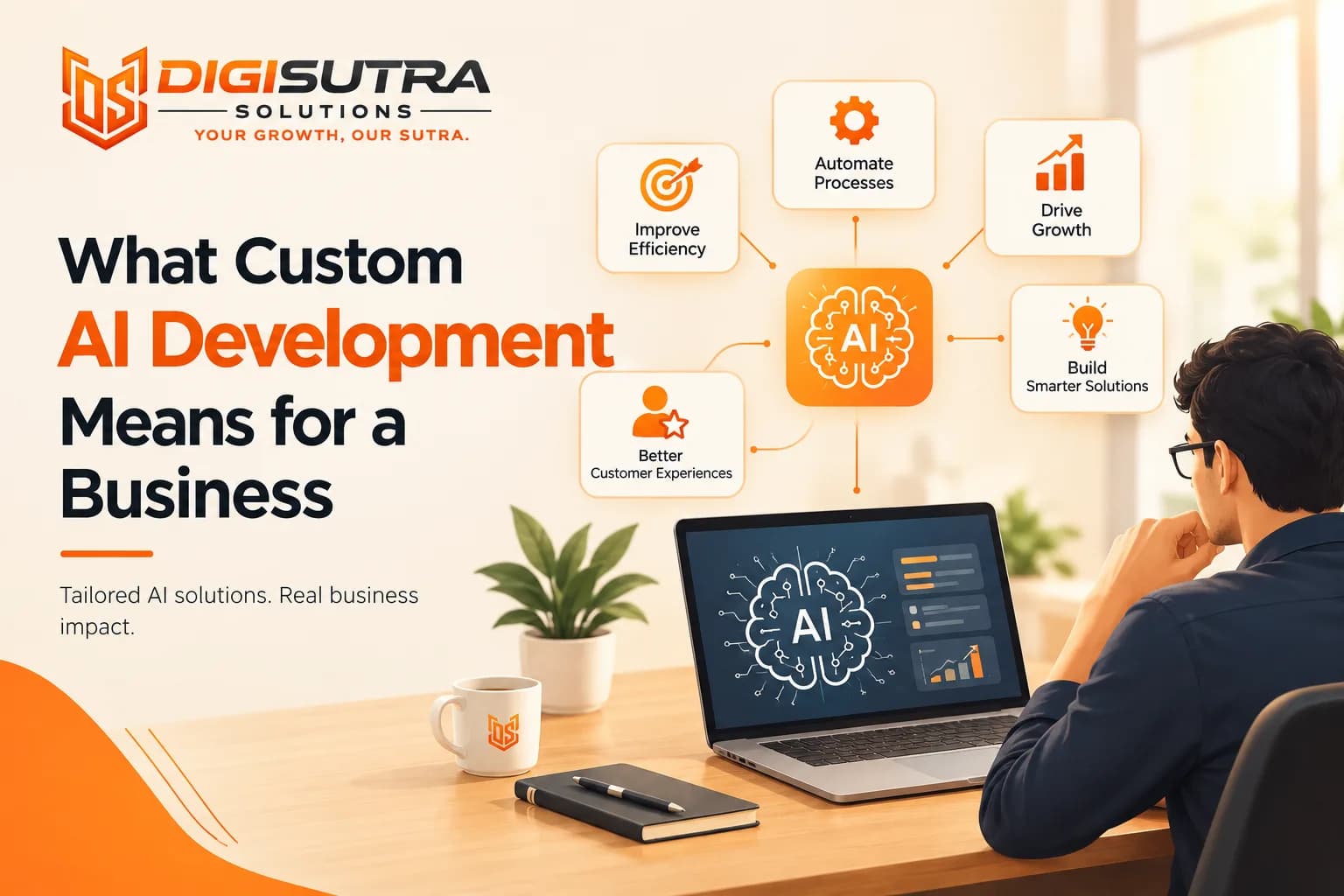
What Custom AI Development Means for a Business
Key takeaways
- Custom AI development is the process of planning, building and running an AI system for one specific business.
- Off-the-shelf AI tools are easy to start with.
- The biggest benefit is accuracy on your own work.
- A business needs custom AI when a ready-made tool covers only part of the job and the missing part is the part that matters most.
Every business is talking about AI right now. But most of what gets sold is a generic tool with a chat window bolted on. It works the same way for a bakery and a bank.
That is the gap custom AI development fills. It means building an AI system around how your business actually runs and not the other way around. Instead of forcing your workflow to fit a template the AI is trained and connected to match your data, your rules and your customers.
For a business owner this shift matters because generic tools plateau fast. They answer simple questions well and fall apart on anything specific to your operations.
A system built for your business keeps getting more useful the longer you use it. It learns from your own information instead of a stranger's dataset.
Below you will see what it means in practice, what it costs, how long it takes and how to tell if your business is ready.
What Custom AI Development Actually Means
Custom AI development is the process of planning, building and running an AI system for one specific business. The system works with that company's own data, rules and software. So its answers and actions match how the business really operates.
In practice custom AI development means software built to handle one company's specific problems with AI models as the core engine. It is different from buying a subscription tool that offers the same features to every customer. A custom build starts with your data, documents, CRM, support tickets and workflows. The AI is then shaped around that information so its answers and actions stay accurate to your business.
Custom does not mean starting from zero. Most custom systems today sit on top of proven models like GPT, Claude, Gemini or Llama. The custom part is how those models are connected, instructed, tested and fed with your data.
What Makes an AI System "Custom"
It is trained or connected to your own data instead of generic public information
It follows your business rules like pricing, escalation steps and approval limits
It connects directly to tools you already use such as CRM, WhatsApp or your website
It can be changed as your business changes without waiting on a vendor's roadmap
It reflects your tone and brand voice instead of sounding like every other chatbot
Why Businesses Are Moving Away From Generic AI Tools
Off-the-shelf AI tools are easy to start with. That is their biggest strength and also their biggest weakness. They are built to serve thousands of companies at once so they stay general on purpose. A generic chatbot might answer "what are your hours" well but fail completely when a customer asks about a return policy that depends on order type, location and payment method. Businesses run into this wall within a few months of using template tools. That is usually when they start looking at custom builds.
The numbers show the same pattern. McKinsey's State of AI research found that nearly nine in ten organizations now use AI in at least one part of the business. Yet only around 6% see a big impact on profit. A big reason is fit. A tool that does not know your business cannot move your numbers much.
Problems Generic AI Tools Cannot Solve
They give wrong or vague answers on anything specific to your products or policies
They cannot see your internal data unless you manually feed it every time
They break when your process has more than one exception or condition
They charge per seat or per message so costs grow fast as usage grows
They cannot be shaped to match how your team actually works day to day
Custom AI vs Off-the-Shelf AI: Side by Side
Factor | Off-the-shelf AI tool | Custom AI system |
Setup time | Minutes to days | Weeks to a few months |
Upfront cost | Low monthly fee | Higher one-time build cost |
Fit with your process | You adjust to the tool | The tool adjusts to you |
Use of your private data | Limited or manual | Built in from day one |
Connection to your software | Basic or none | Direct links to CRM, ERP, WhatsApp and more |
Cost as usage grows | Rises per seat or message | Stays more predictable |
Data control | Vendor holds it | You own it |
Best for | Common tasks and testing ideas | Core processes that set you apart |
Key Benefits of Custom AI Development for a Business
The biggest benefit is accuracy on your own work. A custom system knows your products, prices and policies. So it makes fewer mistakes in the places where mistakes cost you money.
Benefits You Can Expect
Better answers on business-specific questions because the AI uses your own data
Full ownership of the code, the data and the results
Direct connection to the software your team already uses every day
Running costs that stay steady as usage grows instead of rising per seat
Room to grow since new features can be added when the business changes
An edge that competitors cannot simply buy off the shelf
More control over privacy, security and compliance
When Does a Business Need Custom AI?
A business needs custom AI when a ready-made tool covers only part of the job and the missing part is the part that matters most. If a generic tool already solves the problem well then buying is usually the smarter move.
Build Custom When
Your process has rules or exceptions that no template can handle
The AI must read private data like orders, contracts or patient records
It has to work inside your CRM, ERP, website or WhatsApp
Privacy laws require tight control over where your data goes
The task is central to how you win or keep customers
Per-seat fees on a SaaS tool are getting too expensive at your scale
Stick With a Ready-Made Tool When
The task is common like drafting emails or summarising notes
You are still testing whether AI helps your business at all
No deep connection to your systems is needed
Budget or time is very tight right now
Types of Custom AI Solutions Businesses Build
Custom AI is not one product. It covers a range of systems and most businesses start with just one before expanding. Some want a smarter way to answer customer questions. Others want AI handling internal decisions that used to take a person hours to finish. The starting point usually depends on where the business loses the most time or the most leads.
Common Custom AI Systems Businesses Use
Custom chatbots trained on your product catalog and support history
Knowledge assistants that answer questions using your internal documents
API integrations that embed models like Claude or GPT into your existing tools
Automation models that handle repetitive decisions like invoice tagging or lead routing
AI dashboards that turn raw data into plain language summaries
Fine tuned workflows for specialized tasks unique to your industry
If you want a quick starting point before a full build, an AI chatbot flow builder can help you map out a conversation before any development begins.
The AI Technologies Behind These Systems
Machine learning finds patterns in past data to predict things like demand or customer churn
Natural language processing (NLP) reads and writes human language in chats, emails and documents
Large language models (LLMs) such as GPT, Claude and Gemini power assistants and writing tools
Retrieval augmented generation (RAG) lets the AI look up facts in your own files before it replies
Computer vision reads images and video for tasks like quality checks or document scanning
Predictive analytics turns history into forecasts for sales, stock or risk
AI agents plan steps and take actions across tools like updating a CRM or booking a meeting
Levels of Custom AI: From Light Setup to Fully Custom Models
Custom AI comes in levels. The higher you go the more it costs and the more control you get. Most small and mid-size businesses get strong results from the first three levels.
The Five Levels Explained
Prompt and workflow setup: An existing model gets detailed instructions and your business rules. This is the fastest and cheapest option.
Knowledge assistant with RAG: The AI searches your documents and records before it answers. This suits support desks and internal help.
Automation and AI agents: The AI takes actions across your tools like tagging leads or sending follow-ups. This is where AI automation for WhatsApp, CRM and email usually fits.
Fine-tuned model: An existing model is trained further on your examples so it learns your tone, format or niche terms.
Fully custom model: A model is trained on your own data for a unique task like fraud scoring or image inspection. This has the highest cost and the longest build.
A good partner starts at the lowest level that solves the problem. Moving up later is easy once the first version proves its value.
How Custom AI Development Works Step by Step
A custom AI project does not start with code. It starts with understanding the problem well enough that the solution actually fits. Skipping this step is the biggest reason AI projects fail to deliver results. The process below is roughly how a well run build moves from idea to a working system.
The Typical Build Process
Map the specific problem the AI needs to solve and decide how you will measure success
Review the data available such as documents, past conversations and records
Choose the right model or combination of models for the task
Build a small pilot or proof of concept to test the idea with real data
Build the full system and connect it to your existing tools and platforms
Test with real scenarios your team deals with instead of simple demo questions
Launch to a small group first and watch how it performs
Refine based on actual usage before rolling it out fully
Keep monitoring accuracy and retrain the system as your data and business change
How Long Each Stage Usually Takes
Discovery and planning takes a few days to two weeks
A pilot or proof of concept takes one to four weeks
The full build and integration takes two to eight weeks for most small and mid-size projects
Testing and a staged launch take one to two weeks
Monitoring and updates continue for as long as the system runs
Large enterprise systems with fully custom models are a different scale. They can take three to nine months from start to launch.
Is Your Business Ready for Custom AI?
You are ready when you can name one costly task, you have data about it and one person owns the project. You do not need a huge dataset or an in-house data science team to begin.
A Quick Readiness Checklist
You can describe one clear problem in a single sentence
You have data about it such as chats, tickets, orders or documents
That data is stored digitally in files, apps or databases
Your key tools like CRM or helpdesk have APIs or export options
One person on your team owns the project and its results
You have budget for running costs after launch as well as the build
Your team is open to changing how they work with the new system
Messy spreadsheets are the most common blocker at this stage. A free CSV cleaning tool can remove duplicates, empty rows and stray spaces before any development starts.
Where Businesses Actually Use Custom AI Today
The use cases vary a lot by industry, but the pattern is the same. Businesses use custom AI where a task is repetitive, data heavy or time sensitive enough that delays cost money. Marketing teams are already seeing this shift play out, and it connects directly to how AI is changing the way marketing teams work across content, ads and customer response.
Real Departments Using Custom AI
Sales teams using AI to score and route leads automatically
Support teams using knowledge assistants to cut response time
Operations teams automating invoice processing and data entry
Marketing teams using AI to draft content and analyze campaign data
Finance teams using AI to flag unusual transactions before they become problems
Custom AI Examples by Industry
Healthcare: appointment booking, patient FAQs and faster clinical notes with strict privacy controls
Finance and insurance: fraud alerts, document checks and faster loan or claim reviews
Ecommerce and retail: product suggestions, order tracking on WhatsApp and stock forecasts
Real estate: lead qualification, property matching and follow-up messages
Logistics: route planning, delivery updates and warehouse forecasting
Education: student query assistants and admission lead follow-up
Legal and professional services: contract review, research summaries and client intake
Hospitality and travel: booking help, multilingual support and review replies
What a First Custom AI Project Looks Like
Here is a simple example. Picture an online store that gets around 300 customer messages a day on WhatsApp and its website. Most of them ask about order status, returns and sizes. Two support staff spend their whole day copying and pasting the same answers.
The Project in Five Steps
The goal is set as faster replies on order and return questions
The AI is connected to the store's order system and its return policy documents
A two-week pilot runs on website chat only
The team reviews wrong answers and tightens the rules
The assistant goes live on WhatsApp too with a handoff to a human for refunds and complaints
The success metrics here are reply time and the share of chats solved without a human. The staff now spend their day on the tricky cases only. Most AI-powered customer support projects start with a narrow scope like this and grow from there.
Cost and Timeline for Custom AI Development
Custom does not always mean expensive. Small and focused AI builds can move fast and cost far less than most business owners expect, especially compared to hiring and training staff for the same repetitive work. The price depends mostly on scope and not on the word "AI" itself. A simple chatbot connected to one data source costs and takes far less than a system that touches five different tools and makes automated decisions.
To give a real reference point, focused AI builds at Digisutra Solutions start at around $860 (about ₹87,000) and most go live in 2 to 6 weeks. Enterprise systems with custom-trained models sit on a different scale. Those often run into tens of thousands of dollars or more.
What Affects the Price and Timeline
How many systems the AI needs to connect with
Whether it only answers questions or also takes actions
How much existing data needs cleaning before use
Whether it needs ongoing training as your business changes
How much testing is needed before it can be trusted with real customers
Privacy and compliance needs such as GDPR or HIPAA
Which level of customization you need from prompt setup to a fully custom model
Typical Project Sizes at a Glance
Project type | Example | Typical timeline | Relative cost |
Focused assistant | Support chatbot on one data source | 2 to 4 weeks | $ |
Workflow automation | Lead routing across CRM, email and WhatsApp | 3 to 6 weeks | $$ |
Knowledge system | RAG assistant over company documents with access rules | 4 to 8 weeks | $$ |
Multi-tool AI platform | AI agents and dashboards across several teams | 2 to 4 months | $$$ |
Fully custom model | Model trained on your data for prediction or image work | 3 to 9 months | $$$$ |
Ongoing Costs to Plan For
Model usage fees charged per request by providers like OpenAI, Anthropic or Google
Hosting and database costs
Monitoring and bug fixes
Updating the knowledge base or retraining the model
New features as your needs grow
How to Measure ROI From Custom AI
Measure ROI by comparing one clear number before and after launch. Pick that number during planning before the build starts. A simple formula works for most projects:
ROI (%) = (value gained − total cost) ÷ total cost × 100
Where you point the AI matters too. MIT's NANDA initiative found that back-office automation often gave the strongest returns even though most company AI budgets went to sales and marketing tools.
Metrics Worth Tracking
Staff hours saved each week
Average reply or handling time
Share of queries solved without a human
Lead response time and conversion rate
Error rate on tasks like data entry or invoice tagging
Cost per ticket, order or processed document
Customer satisfaction scores
If your AI project is aimed at sales or lead generation, a free marketing KPI dashboard can show the change in cost per lead and conversion rate before and after launch.
Security, Privacy and Compliance in Custom AI
A custom AI system often touches customer names, orders, health details or payment records. So security has to be planned from day one.
What to Get Right
Know where your data is stored and who can access it
Make sure your data is not used to train public AI models
Use role-based access so staff only see what they need
Follow the laws that apply to you such as GDPR in Europe, HIPAA for US health data and India's DPDP Act
Keep a human in the loop for high-risk decisions like refunds, loans or medical advice
Log what the AI says and does so you can check it later
Get written confirmation that you own the code, the prompts and the data
Test for bias and wrong answers before and after launch
Common Mistakes Businesses Make With AI Projects
Most failed AI projects do not fail because of the technology. They fail because of how the project was planned or not planned. Businesses that treat AI like a magic fix without a clear problem to solve usually end up with a tool nobody uses.
Research backs this up. A 2025 study by MIT's NANDA initiative reviewed hundreds of company AI projects. It reported that around 95% of generative AI pilots stalled without any measurable effect on profit. The main cause was not the model. It was tools that did not fit or learn from the way each business worked.
Mistakes That Slow Down or Kill AI Projects
Starting with the tool instead of the actual business problem
Feeding the AI messy or outdated data and expecting clean answers
Skipping a testing phase and going straight to full rollout
Ignoring how the team will actually use the system day to day
Expecting one AI model to handle every task equally well
Trying to automate every process in the first project
Not setting a success metric before the build begins
Forgetting that accuracy can drop over time as data changes, which is known as model drift
In-House AI Team vs AI Development Partner
For most small and mid-size businesses a development partner is the faster and cheaper way to start. An in-house AI team makes sense later if AI becomes the product you sell. The same MIT research found that companies working with specialist AI vendors and partners succeeded about 67% of the time. Projects built fully in-house succeeded far less often.
Choose a Development Partner When
You need results within a few weeks
AI supports your business but is not the product you sell
You want a fixed budget for the first version
You need skills across models, data and integrations in one team
Build an In-House Team When
AI sits at the heart of the product you sell
You plan to run many AI projects over several years
You can afford senior AI salaries and months of hiring
Many businesses mix both. A partner builds the first version and then trains internal staff to run it.
How to Choose the Right AI Development Partner
Picking who builds your AI system matters as much as the idea behind it. A good partner asks about your business before talking about the technology. A weak one leads with buzzwords and skips straight to a proposal without understanding what you actually need solved. Search behavior is also shifting toward AI answers directly, which is part of why pairing development with AI search visibility work is becoming part of the same conversation for many businesses.
What to Check Before Choosing a Partner
Do they ask about your workflow before recommending a solution
Can they show past builds similar to your industry or use case
Can they show live systems in daily use rather than demos only
Do they explain the ongoing cost of running and maintaining the system
Will they train your team to use and manage it after launch
Do they build with your existing tools instead of forcing new ones on you
Will you own the code, the data and the prompts after handover
Red Flags to Watch For
They promise 100% accuracy
They cannot explain their pricing in plain words
They push the same tool for every problem
They have no plan for support after launch
They dodge questions about data security
Conclusion
Custom AI development is really about fit. It takes the same underlying models everyone talks about and shapes them around how your specific business operates. The businesses seeing real results are not the ones that adopted AI first. They are the ones that built something that matches their workflow, their data and their customers. Starting small with one clear problem is usually the smartest way in. Expand once that first system proves its worth.
FAQ
What is custom AI development in simple terms?
It means building an AI system for one business instead of using a generic tool made for everyone. It is trained on or connected to your data and works inside your actual tools.
How is custom AI different from tools like ChatGPT?
Tools like ChatGPT are general purpose and made for everyone. A custom system often uses similar AI models underneath but connects them to your private data, your rules and your workflows. It also runs under your control.
Do small businesses actually need custom AI?
Not always right away. Small businesses often start with one focused tool like a chatbot or an automation for a single repetitive task. A narrow build like a WhatsApp support assistant can pay off even for a small team.
How long does a custom AI project take to build?
Focused projects like a support chatbot often take 2 to 6 weeks. Systems that connect several tools usually take 2 to 4 months. Fully custom models can take 3 to 9 months.
Is custom AI development expensive?
It depends on scope and not on the word AI itself. Focused builds can start under $1,000 with agencies like Digisutra Solutions. Enterprise systems with custom-trained models can cost tens of thousands of dollars or more.
What data does a business need before starting?
Any documents, records or past conversations relevant to the task. You do not need millions of records. A clean set of FAQs, policies, product details or past chats is often enough to start.
Can custom AI replace employees?
It usually replaces repetitive tasks and not entire roles. Most businesses use it to free up staff time for work that actually needs human judgment.
What happens after the AI system is launched?
It needs monitoring, knowledge updates and occasional retraining. Accuracy can slip as your products and customers change. A good build includes a support plan for this from the start.
Which departments benefit most from custom AI?
Sales, support, operations and marketing typically see the fastest results because their work involves repetitive and data heavy tasks.
How do I know if my business is ready for custom AI?
If a specific task in your business is repetitive, time consuming and involves data you already have, that is usually a strong starting point. It also helps to have one person who owns the project.
About the author

Sr. SEO Executive · 3 years' experience
Harsh Rajput is a Senior SEO Executive with 3+ years of experience in SEO, digital marketing and AEO/GEO strategy. He leads a team of SEO executives at Digisutra Solutions, handling keyword research, technical SEO, on-page/off-page optimization, link building and content strategy, while helping brands rank in Google AI Overviews and LLM platforms like ChatGPT, Claude and Gemini. He has worked with clients across India, USA, UAE, and Australia in industries like e-commerce, finance and technology.
Reader reviews
Up next · Marketing & ads · 17 min
What Is Influencer Marketing and How It Works for Brands
Related · SEO & AI search · 18 min
What Is a Sitemap? Meaning, Types, Examples and How to Create One