

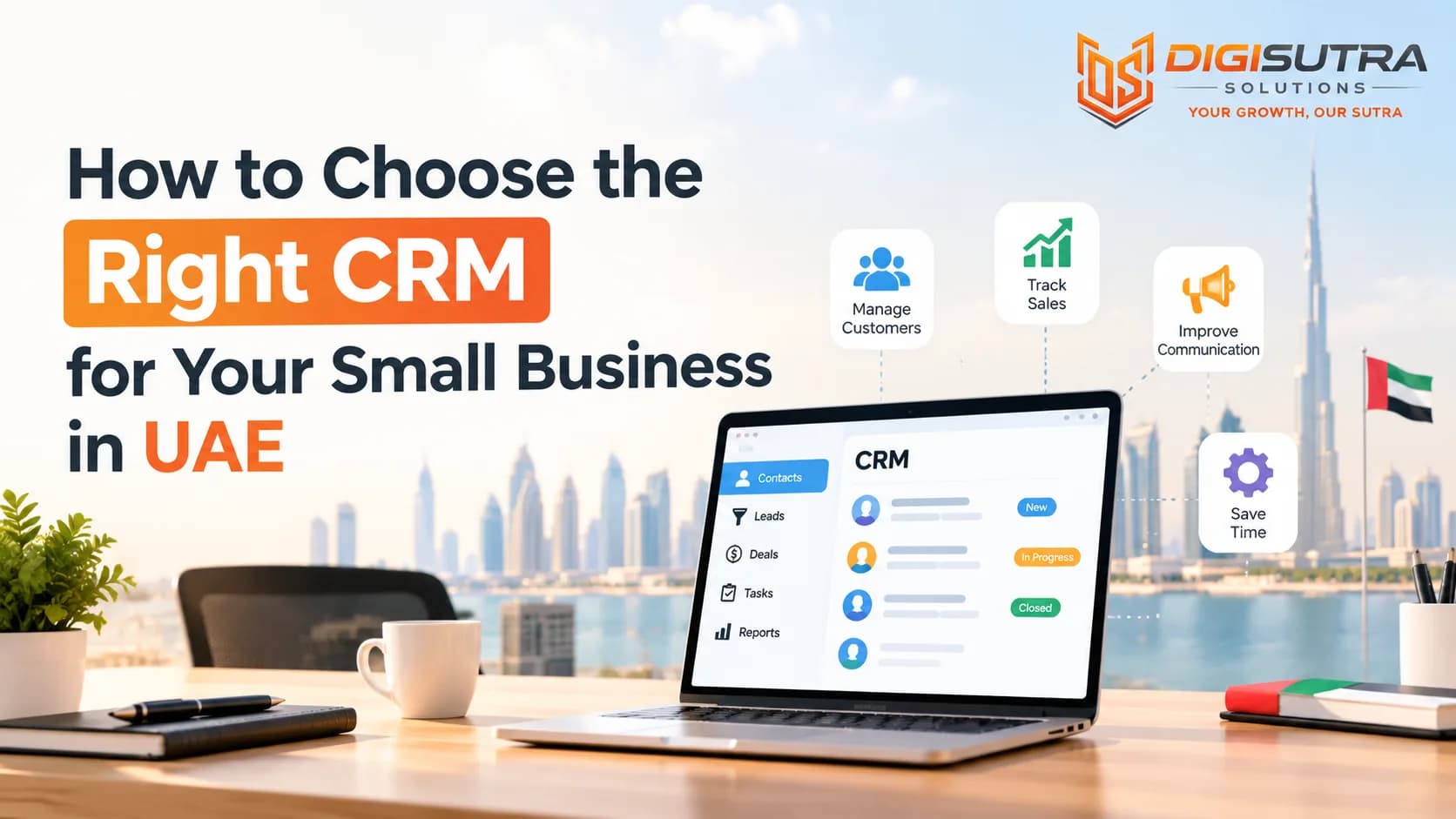
How to Choose the Right CRM for Your Small Business in UAE
Key takeaways
- A CRM is a shared database for your sales and customer work.
- Most bad CRM choices start with a demo call instead of a plan.
- Big CRMs come with hundreds of features.
- The UAE market has its own habits and rules.
Many small business owners in Dubai, Abu Dhabi and Sharjah keep customer details in WhatsApp chats, Excel sheets and sticky notes. It works for a while. Then a lead goes cold because nobody followed up. A quote gets lost. Two team members call the same customer on the same day.
A CRM fixes this. CRM stands for customer relationship management. It is software that keeps every customer, lead, call and deal in one place. The hard part is picking the right one. There are hundreds of tools and most of them look the same on a sales page.
This guide gives you a simple way to choose. You will see what to check first, which features matter, what is different about the UAE market and how to test a tool before you pay. Every section ends with a short list you can use right away.
What a CRM Actually Does for a Small Business
A CRM is a shared database for your sales and customer work. It stores contact details, chat history, deal stages, tasks and notes. Your team opens one screen and sees who the customer is and what happened last.
For a small business this means fewer missed follow-ups and faster replies. It also means you do not lose customer data when a staff member leaves.
Signs You Need a CRM Now
You track leads in more than one place
Follow-ups depend on someone's memory
You cannot say how many deals are open right now
Customers repeat the same details every time they call
Your team argues about who owns which lead
You spend hours building sales reports by hand
If three or more of these sound familiar, start your search this month.
Define Your Needs Before You Look at Any Tool
Most bad CRM choices start with a demo call instead of a plan. Salespeople show you the best features and you fall for a tool you will never fully use. Write down your needs first and judge every tool against that list.
Questions to Answer First
How many people will use the CRM today and in two years
Where do your leads come from: WhatsApp, website forms, Instagram, calls, walk-ins or referrals
How long is your sales cycle: same day, two weeks or three months
Do you sell to businesses, to individuals or both
Which tasks waste the most time right now
Who will own the CRM and keep it clean
What is your monthly budget per user
Keep the answers on one page. This page becomes your scorecard.
Features That Matter Most for Small Teams
Big CRMs come with hundreds of features. A small team needs about ten of them done well. Anything extra only adds clutter and cost.
Core Features Checklist
Contact and company records with notes and file attachments
Visual sales pipeline where you drag deals from one stage to the next
Task and reminder system so no follow-up is missed
Email and call logging that saves history without manual typing
WhatsApp integration because most UAE customers prefer chatting there
Quotes and invoice support with AED and VAT fields
Simple reports showing leads, wins, losses and revenue
Mobile app that works well for field sales staff
User roles and permissions to control who sees what
Import and export so your data is never locked in
Skip advanced items like predictive scoring and complex territory rules until you grow. If your site gets enquiries after office hours then a free AI chatbot builder can capture those leads while you pick a CRM.
UAE-Specific Things to Check
The UAE market has its own habits and rules. A tool built for the US or Europe may need extra work here. Choosing the right CRM for small business UAE teams means checking local fit before looking at price. If your CRM will sit next to a company website or customer portal then the CRM for small business UAE plan should also cover how web forms and landing pages feed leads straight into it.
Local Fit Checklist
Arabic and English support: the screen, templates and customer messages should work in both. Right to left layout matters if you serve Arabic speakers
AED and VAT: the UAE charges 5% VAT so quotes and invoices need to show it correctly
Data storage location: ask where your data is kept. Some businesses prefer UAE or Gulf based servers. The UAE has a federal personal data protection law and free zones like DIFC and ADGM have their own rules
WhatsApp first: customers here message on WhatsApp before they email. Your CRM should log those chats
Multi-nationality teams: your staff may speak Hindi, Urdu, Arabic, Tagalog and English. A simple interface helps everyone
Local support hours: the UAE week and time zone differ from Europe and the US. Check that support is available when you need it
E-invoicing readiness: the UAE is moving toward e-invoicing. Ask your vendor how they plan to support it
Types of CRM to Compare
You do not need to learn every brand name. First pick the type that fits your business. Then compare two or three tools inside that type.
Main CRM Types
All-in-one CRM: sales, marketing and support in one platform. Good if you want one login for everything. It can feel heavy for a team of three
Sales-focused CRM: built around pipelines and deal tracking. Easy to learn and fast to set up. Best for service firms and trading companies
Open-source or customizable CRM: you can change almost anything. It needs a developer or a partner to set up and maintain
Industry CRM: made for real estate, clinics, education or travel. Comes with ready fields and workflows for that trade
ERP-linked CRM: part of a bigger system with accounting and inventory. Useful if you want sales and stock in one place
Popular names you will see during research include HubSpot, Zoho, Salesforce, Pipedrive, Freshsales and Odoo. Each one suits a different size and style. Check the current plan details on their own sites because prices and limits change often.
Budget and the True Cost of Ownership
The price on the pricing page is rarely the full price. Most CRMs charge per user each month. Add-ons like WhatsApp messaging, extra storage or automation can double the bill.
Think about return as well as cost. If a CRM helps you win even two more deals each month it can pay for itself fast. You can test this idea with the ROI calculator before you commit.
Costs to Count
Monthly fee per user
Setup and onboarding fee
Data migration help
Paid add-ons: WhatsApp, e-signature, extra automation
Training time for your staff
Custom development if you need it
Yearly price increase after the first term
Always ask for the total cost over 12 months for your exact team size. Write it down next to each tool in your scorecard.
Integrations and Automation
A CRM that does not connect to your other tools creates double work. Your team will copy and paste data and then stop using the system. Good integrations make the CRM the central place for customer information without extra effort.
Automation is where a CRM starts to save real hours. A new website lead can get a WhatsApp reply in seconds. A deal that sits for five days can trigger a reminder. Our CRM and lead management work often starts with exactly these simple rules.
Tools Your CRM Should Connect With
Website forms and landing pages so every enquiry lands in the CRM
WhatsApp Business for chat history and quick replies
Email (Gmail or Outlook) for two-way sync
Accounting software such as Zoho Books or QuickBooks for invoices
Ad platforms like Meta and Google so lead source is tracked
Calendar for meetings and site visits
Payment gateway if you collect deposits online
If you want chat bots and follow-up flows on top of the CRM then see how AI automation for WhatsApp and lead follow-up can plug into it.
Ease of Use and Team Adoption
The best CRM is the one your team opens every day. A powerful tool with a confusing screen will end up as an expensive contact list. Ask your sales staff to try the demo and give honest feedback. They are the ones who will live in it.
Steps to Get Your Team On Board
Pick one owner who manages the CRM and answers questions
Explain the benefit to each person: less typing, clearer targets, fewer lost leads
Start with only three or four fields to fill in
Run a 30 minute training session and record it
Make the CRM the only place where deals are counted
Review usage every week for the first month
Celebrate wins that came from CRM reminders
Run a Proper Trial Before You Buy
Almost every CRM offers a free trial or a free plan. Use it with real data and not with sample records. Load 50 to 100 real contacts and run your actual sales process for at least one to two weeks.
A Simple Trial Plan
Import a small contact list from Excel
Build your pipeline stages
Connect WhatsApp and email
Log five real deals from start to end
Create two automations: lead reply and follow-up reminder
Build one weekly report
Ask every user to score the tool from 1 to 10
Test customer support by asking one tricky question
Track the results on a simple board. A KPI dashboard helps you see leads, response time and conversion in one view while you test.
Plan Your Setup and Data Migration
Many CRM projects fail in the first month because the data going in is messy. Duplicate names and missing phone numbers cause confusion from day one. Clean the data first and then import it.
If you are also deciding how much to automate then this guide on AI automation services for small businesses explains the types and costs in plain words.
Setup Steps
Export contacts from every source: Excel, phone, email, WhatsApp
Remove duplicates and fix phone formats with the country code
Tag each contact by source and customer type
Map old fields to new CRM fields
Import in small batches and check each batch
Set user roles and permissions
Go live on a fixed date and stop using the old sheets
Common Mistakes to Avoid
Most CRM regrets come from the same few errors. Knowing them early saves money and time.
Mistakes That Cost Small Businesses the Most
Buying the biggest plan because it looks impressive
Choosing based on price alone
Skipping staff training
Letting the CRM fill with duplicate or outdated records
Ignoring WhatsApp even though customers use it daily
Setting up too many fields and stages
Not checking how to export data if you leave
Forgetting customer service: a CRM works best when support chats and sales chats live together, which is where AI customer support can help
Conclusion
Choosing a CRM does not need to be hard. Start with your own needs and not with a vendor pitch. Pick the features you will use every day. Check the UAE basics: Arabic support, AED and VAT, WhatsApp and data location. Count the full cost and test with real data before you pay.
A simple tool that your team uses daily beats a complex one that sits idle. Start small and clean your data. Add automation once the basics work. Your CRM should grow as your business grows.
Frequently Asked Questions
1. What is the best CRM for small business in UAE?
There is no single best option. The right pick depends on team size, budget and how you get leads. Zoho, HubSpot, Pipedrive, Freshsales and Odoo are common choices. Compare two or three of them on your scorecard and run a trial.
2. How much does a CRM cost for a small business in the UAE?
Most CRMs charge per user each month. Some have free plans for very small teams. Paid plans usually rise with features like automation and WhatsApp. Ask for the full 12 month cost for your team size because prices and add-ons change often.
3. Do I need a CRM if I only have two or three employees?
Yes if leads or repeat customers matter to your income. A small team feels the pain of missed follow-ups just as much. A free or low-cost plan is a good starting point.
4. Does a CRM work with WhatsApp in the UAE?
Many CRMs connect to WhatsApp Business through their own tools or add-ons. This lets you log chats and send templates. Check which plan includes it and whether there are extra message fees.
5. Should my CRM support Arabic?
If you serve Arabic speaking customers, then yes. Look for right to left support and Arabic templates for quotes and messages. Even if your team works in English your customer facing documents may need Arabic.
6. Is cloud CRM safe for UAE businesses?
Reputable cloud CRMs use encryption and access controls. Ask the vendor where data is stored and what security standards they follow. Also review the UAE data protection rules that apply to your business and your free zone if you have one.
7. Cloud CRM or on-premise CRM: which is better?
Cloud CRM suits most small businesses. It is cheaper to start and needs no servers. On-premise gives more control but needs IT staff and maintenance. Few small firms need it.
8. How long does it take to set up a CRM?
A basic setup can take a few days. A fuller setup with integrations and automation usually takes two to six weeks. Data cleaning is often the slowest part.
9. Can I switch CRMs later?
Yes. Pick a tool that lets you export your data in common formats like CSV. Check this during your trial so you are never locked in.
10. How do I get my team to actually use the CRM?
Keep it simple and train them early. Make the CRM the only place where deals are counted. Show people how it saves them time. Review usage weekly in the first month and fix pain points fast.
About the author

Sr. SEO Executive · 3 years' experience
Harsh Rajput is a Senior SEO Executive with 3+ years of experience in SEO, digital marketing and AEO/GEO strategy. He leads a team of SEO executives at Digisutra Solutions, handling keyword research, technical SEO, on-page/off-page optimization, link building and content strategy, while helping brands rank in Google AI Overviews and LLM platforms like ChatGPT, Claude and Gemini. He has worked with clients across India, USA, UAE, and Australia in industries like e-commerce, finance and technology.
Reader reviews

Up next · Web & design · 9 min
Best WordPress Themes for Business Websites in UAE

Related · Web & design · 10 min
Website Design Services in UAE: Cost, Process and SEO Benefits