
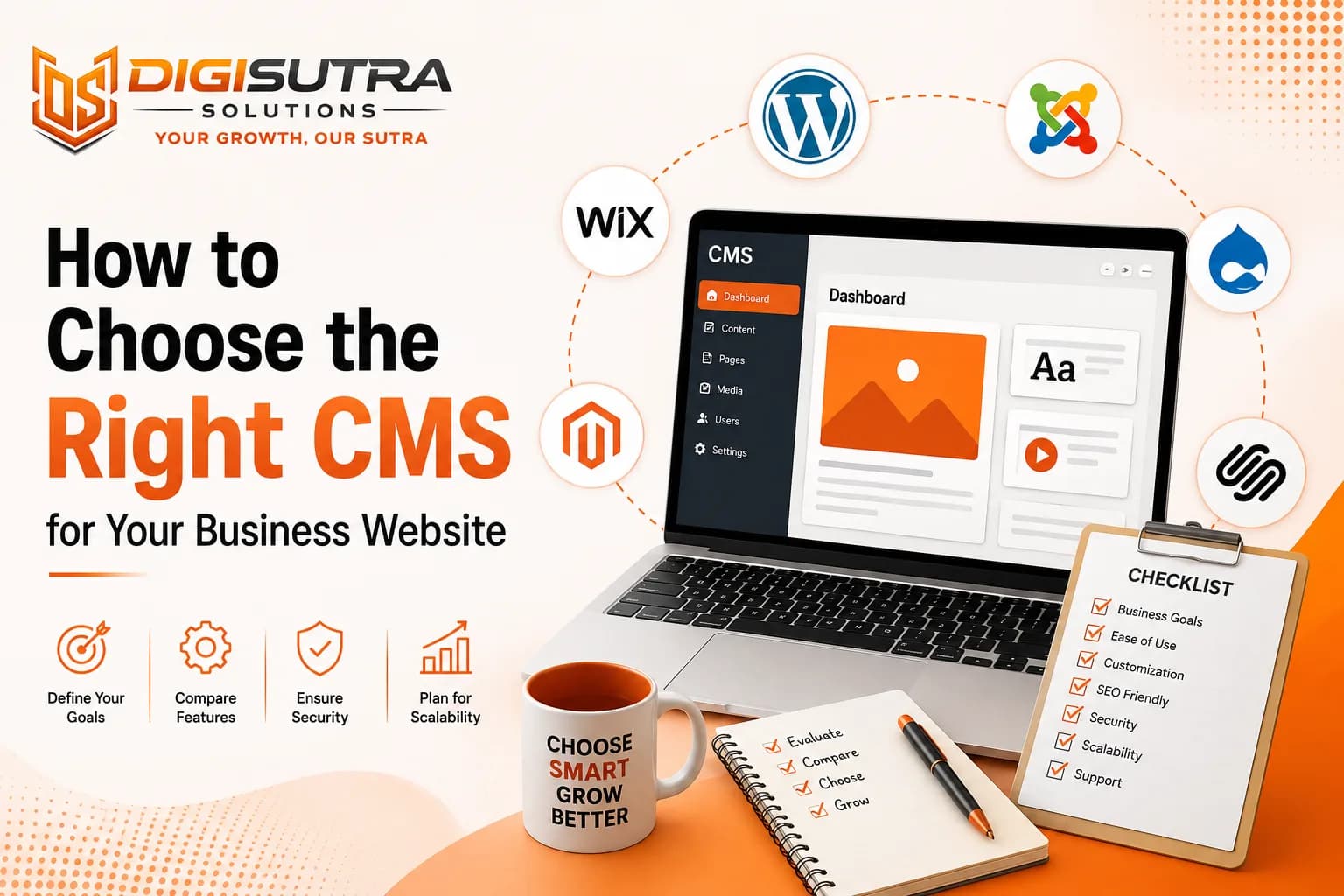
How to Choose the Right CMS for Your Business Website

Harsh Rajput · Sr. SEO Executive · 3 years' experience · 9 September 2026 · Updated 14 September 2026 · 8 min read
Key takeaways
- A CMS or content management system is the software that lets you build and manage your website without writing code.
- CMS platforms fall into a few broad categories.
- Not every feature matters equally.
- Search rankings depend heavily on technical factors your CMS controls.
Choosing a CMS feels overwhelming when you start researching options. Every platform claims to be the easiest or the most powerful. But the right choice depends on your business goals not marketing claims. A wrong CMS choice costs you time, money and traffic down the line. This guide breaks down exactly what to check before you commit to one.
What Is a CMS and Why It Matters for Your Business
A CMS or content management system is the software that lets you build and manage your website without writing code. It stores your content, controls your design and connects to tools you need for marketing and sales. Your CMS choice affects everything from page speed to how easily your team can add new content.
Businesses often pick a CMS based on what a developer suggests. That works short term but creates problems later. The system should match your business model, your team's skill level and your growth plans.
Why your CMS choice matters
It affects how fast your site loads for visitors
It determines how easy content updates are for your team
It impacts your SEO performance and search visibility
It decides how well your site scales as traffic grows
It controls integration options with CRM, email and payment tools
Types of CMS Platforms You Can Choose From
CMS platforms fall into a few broad categories. Each type suits a different kind of business.
Traditional CMS platforms like WordPress and Joomla bundle the backend and frontend together. Headless CMS platforms separate content storage from design, giving developers more flexibility. Ecommerce focused platforms like Shopify are built specifically for online stores. Enterprise CMS platforms handle large scale operations with complex permission structures.
Common CMS types to know
Traditional CMS: WordPress, Joomla, Drupal
Headless CMS: Contentful, Strapi, Sanity
Ecommerce CMS: Shopify WooCommerce Magento
Website builders: Wix, Squarespace
Enterprise CMS: Sitecore, Adobe Experience Manager
Small and mid sized businesses usually do best with traditional or website builder platforms. Larger businesses with custom needs often move toward headless setups for more control.
Key Features to Look For in a CMS
Not every feature matters equally. Some are essential and some are nice to have. Knowing the difference saves you from paying for tools you never use.
A good starting point is asking what your website actually needs to do. A service business needs lead capture forms and booking tools. A product business needs inventory and checkout features. Getting this list of the right platform depends on matching features to real business needs which is exactly what the team at website design and development evaluates before recommending a system to any client.
Must have CMS features
Drag and drop or visual page editing
Mobile responsive templates out of the box
Built in SEO tools like meta tags and sitemaps
User role management for team access
Plugin or app ecosystem for adding functionality
Backup and version history options
CMS and SEO: Why This Connection Matters
Search rankings depend heavily on technical factors your CMS controls. Page speed, clean URL structures, schema markup and mobile optimization all trace back to the platform you choose. A CMS with poor SEO support means constant workarounds for your team.
When businesses search for the best CMS for business website they often overlook SEO capability until after launch. By then switching platforms becomes expensive and risky.
SEO factors your CMS should support
Clean and editable URL structures
Automatic XML sitemap generation
Fast loading times and image optimization
Schema markup support for rich results
Easy meta title and description editing
Mobile first indexing compatibility
Ecommerce Considerations When Choosing a CMS
If you sell products online, your CMS needs to go beyond content management. You need secure checkout, inventory tracking, tax calculation and shipping integrations. Not every CMS handles this well out of the box.
Platforms built for ecommerce reduce the need for custom development. But if your business needs unique product configurations or complex catalogs, a flexible setup built through ecommerce development often works better than a rigid template based store.
Ecommerce features to check
Secure payment gateway integrations
Inventory management and stock alerts
Multi currency and tax handling
Abandoned cart recovery tools
Product variant and bundle support
Security and Maintenance Factors
Security breaks trust fast. A hacked website damages your brand and can get you blacklisted by search engines. Your CMS choice directly affects how vulnerable your site is.
Open source platforms need regular updates and monitoring. Managed platforms handle security on their end but limit customization. Understand this tradeoff before choosing.
Security checklist for CMS selection
Regular security patch releases
SSL certificate support
Two factor authentication options
Automated backup systems
Malware scanning and firewall integration
Cost of Ownership Beyond the License
The sticker price of a CMS rarely tells the full story. Hosting fees, plugin costs, developer time and ongoing maintenance add up. Free platforms often cost more long term through paid extensions and custom fixes.
Before choosing calculate the total cost over two to three years not just the first month. This includes design updates, content migration and technical support.
Hidden costs to factor in
Premium themes and plugins
Hosting and server upgrades
Developer or agency support fees
SSL and security tool subscriptions
Training time for your team
Scalability and Future Growth
Your business will not stay the same size forever. A CMS that works for ten pages today might struggle with a thousand pages next year. Growth plans should shape your CMS decision from day one.
Ask how the platform handles increased traffic more products or new markets. Some CMS platforms slow down significantly as content grows without proper optimization.
Signs a CMS can scale with you
Handles high traffic without major slowdowns
Supports multilingual and multi region content
Offers API access for custom integrations
Has a strong developer community for support
Allows headless setup if needed later
How AI Search and LLM Platforms Are Changing CMS Choices
Search behavior is shifting. People ask questions directly to AI tools like ChatGPT, Gemini and Perplexity instead of typing keywords into Google. Your CMS needs to support content structures that these platforms can read and summarize easily.
This means clean heading structures, FAQ sections and structured data are no longer optional extras. They directly affect whether your content gets picked up by AI powered search results and generative engines.
CMS features that help with AI visibility
Clean semantic HTML output
Easy FAQ and structured data implementation
Fast page load times for crawler efficiency
Support for schema markup without plugins
Clear heading hierarchy for content parsing
Common Mistakes Businesses Make When Choosing a CMS
Many businesses choose a CMS based on price alone or because a competitor uses it. These shortcuts often backfire once the site is live and real problems appear.
Another common mistake is ignoring team skill level. A powerful CMS is useless if your team cannot manage it without constant developer help.
Mistakes to avoid
Choosing based on price without checking features
Ignoring SEO capability until after launch
Overlooking mobile performance
Skipping a scalability check
Not testing the editing experience before committing
Conclusion
Picking a CMS is a long term decision not a quick checkbox. The right platform saves time, reduces costs and supports your growth instead of holding it back. Take time to match features against your actual business needs rather than trends or recommendations alone. A thoughtful choice now prevents a painful migration later.
FAQ
1. What is the best CMS for a small business website?
WordPress works well for most small businesses because of its flexibility, low cost and large plugin ecosystem. The right fit still depends on your specific needs and technical comfort.
2. Is WordPress still a good choice in 2026?
Yes, WordPress remains widely used and actively updated. It supports strong SEO tools, ecommerce plugins and a large developer community.
3. What is the difference between a CMS and a website builder?
A CMS gives more control over design and functionality while a website builder offers simpler drag and drop tools with less flexibility. Website builders suit very simple sites while a CMS suits growing businesses.
4. Do I need a developer to use a CMS?
Not always. Many CMS platforms allow non technical users to manage content. Custom features or complex designs usually still need developer support.
5. Which CMS is best for ecommerce websites?
Shopify and WooCommerce are common choices depending on scale and customization needs. Larger stores sometimes need custom built solutions for unique catalogs.
6. How does CMS choice affect SEO?
Your CMS controls page speed, URL structure and how easily you can add meta tags and schema markup. A poorly optimized CMS can hurt your search rankings.
7. Can I switch CMS platforms later without losing my SEO rankings?
Yes, but it requires careful planning including URL redirects and content migration. Rankings can dip temporarily if the switch is not handled properly.
8. What is a headless CMS and do I need one?
A headless CMS separates content management from the website design layer, giving developers more flexibility. Most small and mid sized businesses do not need this level of complexity.
9. How much does a good CMS cost?
Costs vary widely from free open source platforms to enterprise systems costing thousands per month. Total cost should include hosting, plugins and maintenance not just the base price.
10. How do I know if my CMS is AI search friendly?
Check if it supports clean semantic HTML, fast loading and easy schema markup implementation. These factors influence whether AI search platforms can read and summarize your content well.
About the author
Sr. SEO Executive · 3 years' experience
Harsh Rajput is a Senior SEO Executive with 3+ years of experience in SEO, digital marketing and AEO/GEO strategy. He leads a team of SEO executives at Digisutra Solutions, handling keyword research, technical SEO, on-page/off-page optimization, link building and content strategy, while helping brands rank in Google AI Overviews and LLM platforms like ChatGPT, Claude and Gemini. He has worked with clients across India, USA, UAE, and Australia in industries like e-commerce, finance and technology.
Reader reviews

Up next · Web & design · 7 min
Website Footer Design: Best Practices for UX and SEO
Related · Web & design · 9 min
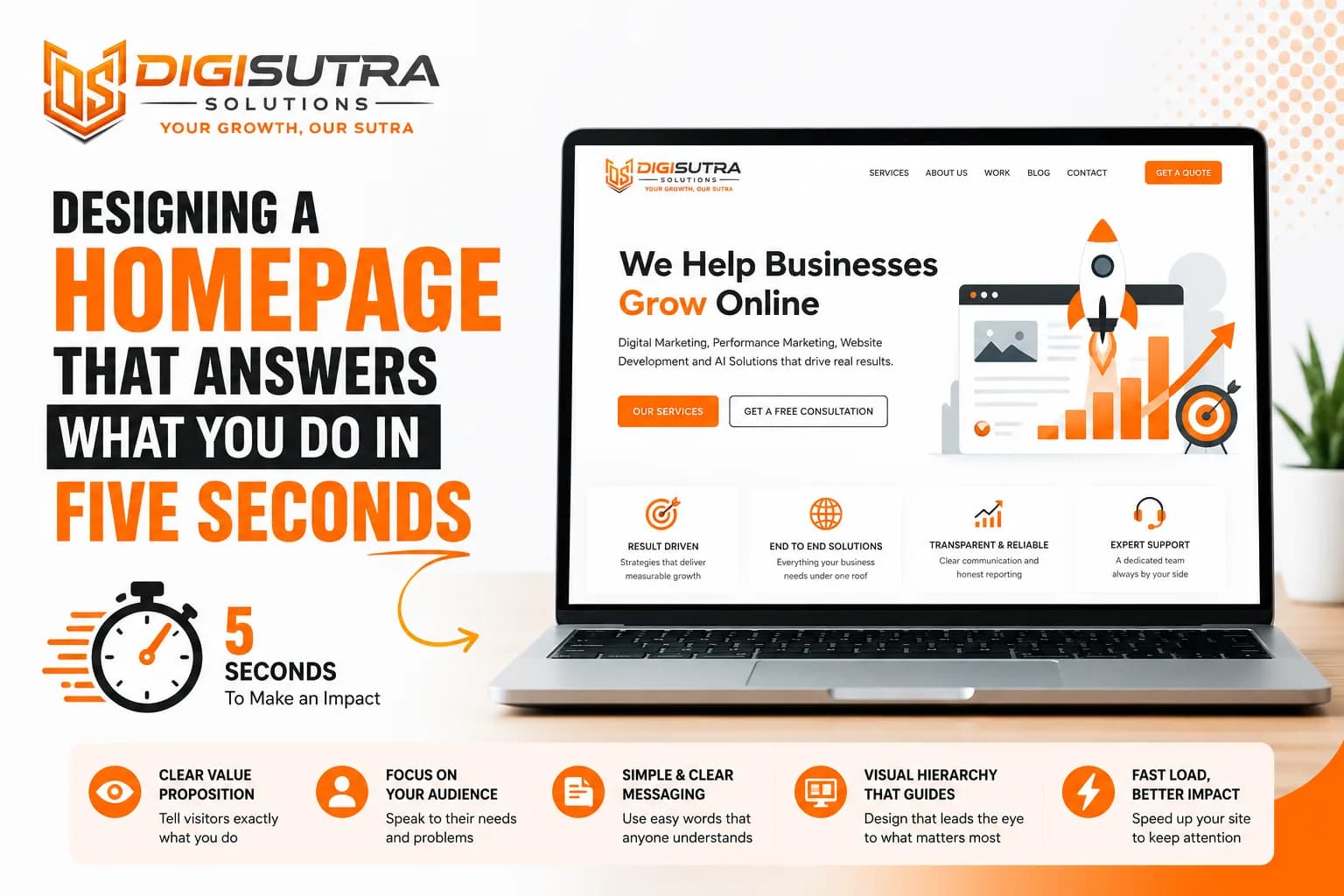
Designing a Homepage That Answers What You Do in Five Seconds